
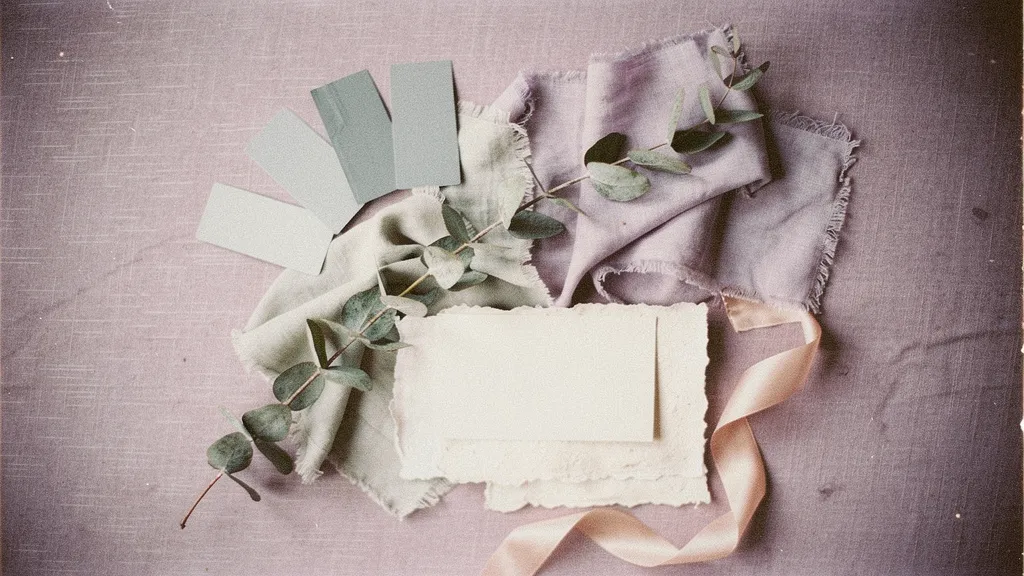
Pinterest board vs. mood board
They are not the same tool, and treating them as one is why so many couples feel stuck. A Pinterest board is a wide net: you save anything that catches your eye, and a good one holds fifty to two hundred pins across three or four different directions. A mood board is the decision: the ten or twelve images that all point at one look. You cannot hand a florist two hundred pins. You can hand them twelve.
Cut, do not collect
The whole job here is subtraction. Work through it in one sitting:
- Open your board and look for the pattern. Most wedding boards are secretly three boards: say, moody-and-candlelit, light-garden-romantic, and something bold you pinned once at 1am. Name the directions you actually see.
- Pick one direction. The one you keep coming back to, or the one that fits your venue and season. This is the hard part, and it is the point. You are choosing a wedding, not a Pinterest aesthetic.
- Pull ten to twelve pins from that direction only. A palette, two or three flowers, a couple of texture or material shots, one wide setting photo, and one or two details. Everything else stays on Pinterest as a graveyard you never look at again.
- Kill the duplicates. If two pins say the same thing, keep the better-lit one. If two pins fight, cut the one you like slightly less.
Find the palette hiding in your pins
Once you have your twelve, the color story is usually already there — you just have to name it. Look for the shades that repeat: maybe it is dusty blue (), blush (), and cream () with a soft gold running through. Pull those into a real palette of three to five colors so your board carries hex codes a stationer can match, not just a vibe. The color palette generator will let you lock the exact shades and copy them straight over.
Where Pinterest stops helping
Pinterest is built to keep you scrolling, which is the opposite of what you need once you have chosen. The feed keeps serving you the roads you did not take, and every new pin is a small invitation to reopen a decision you already made. When you catch yourself adding a fourth direction, that is the signal to close the app and move to a fixed board (printed, saved as one image, or generated) that does not refresh with fresh temptation.
The shortcut
If the cutting is the part you keep avoiding, you can skip it. The VeilBoard quiz reads your taste from a short set of visual choices and hands back a finished mood board (palette, florals, and decor) in about a minute, so you get the decided version without the two-hundred-pin detour.